This month has been very productive for me. I attribute that to staying home and saying to heck with housework! Here are the goals I set for myself this past month.
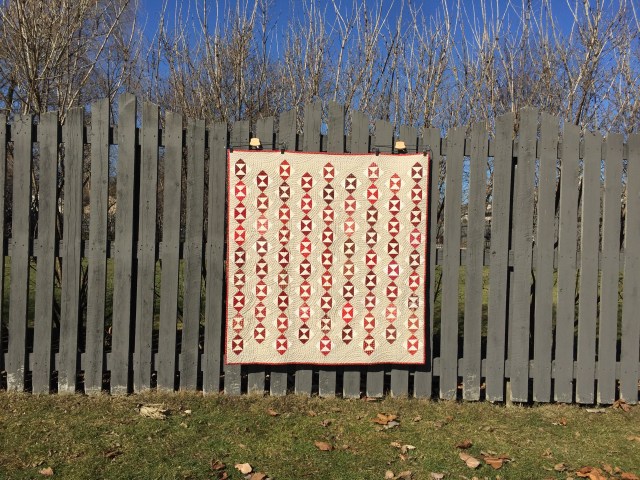
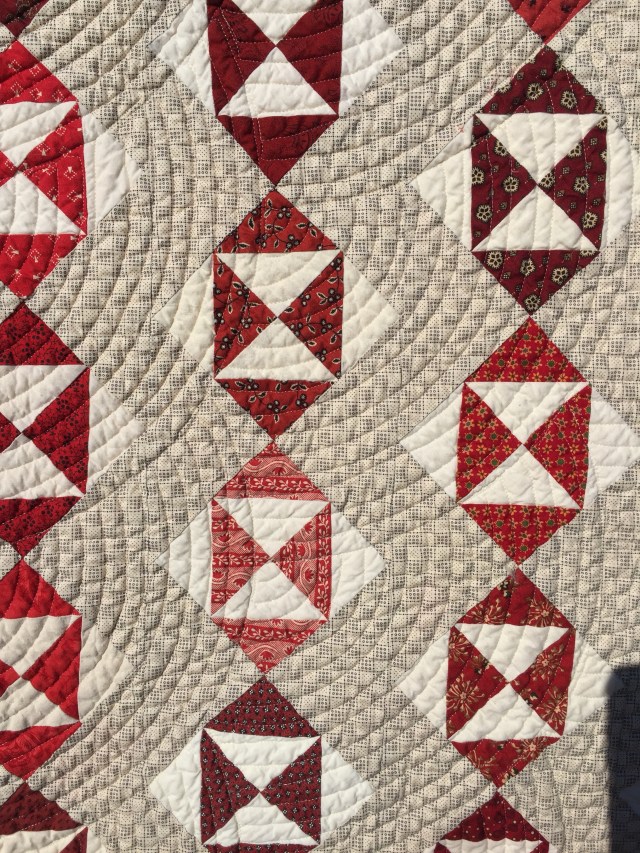
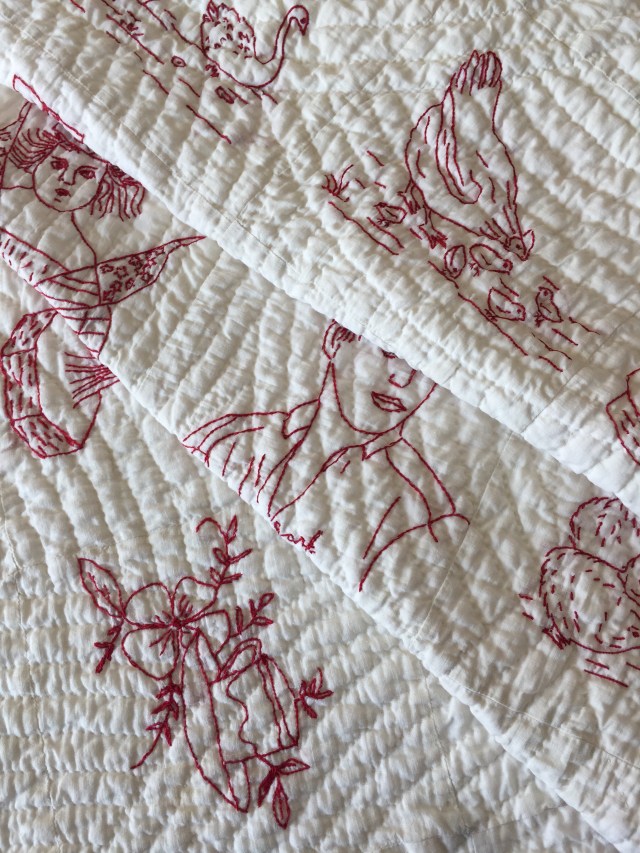
1. Finish my Redwork quilt. Done!

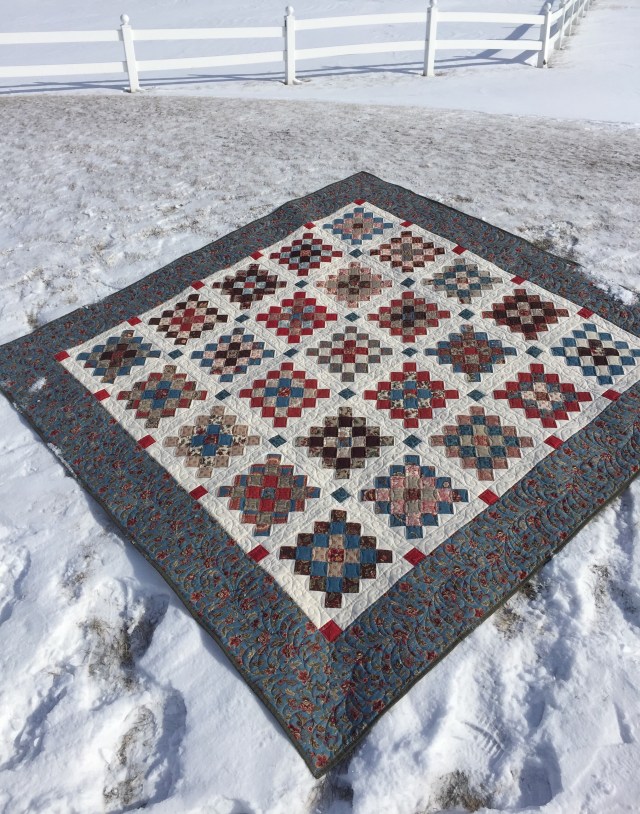
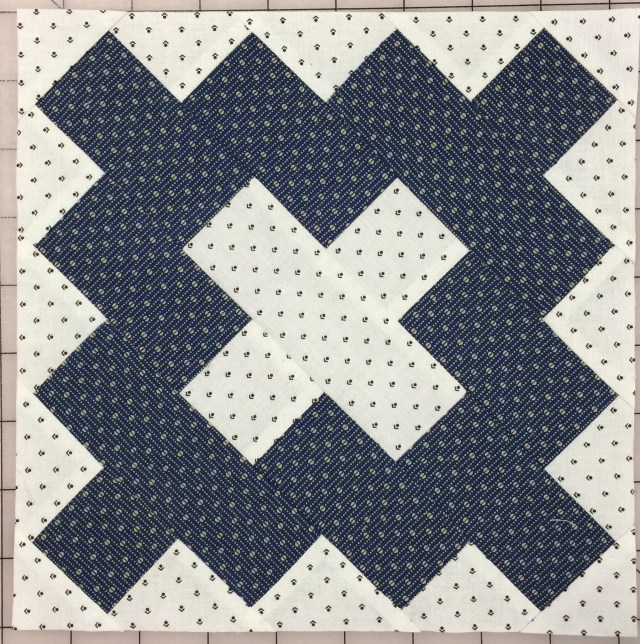
2. Finish my Granny Square quilt. Done!
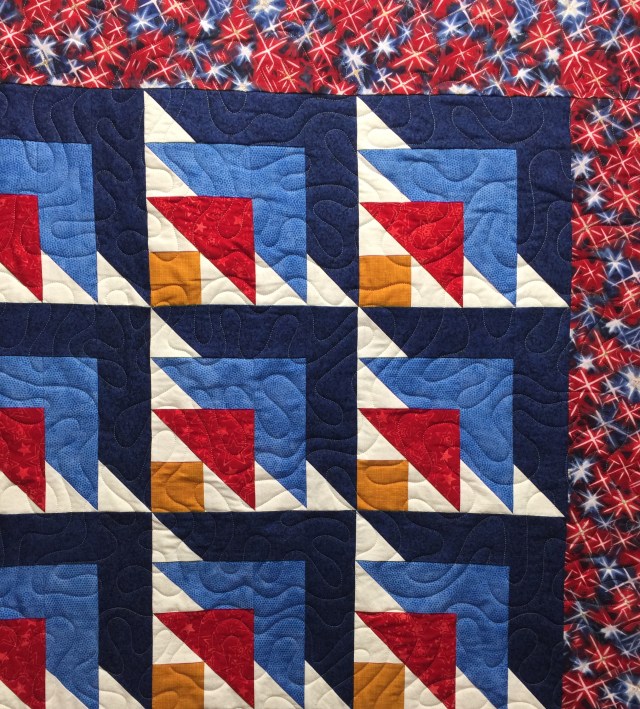
3. Quilt 5 QOVs. Done! Actually, I only quilted four as that was all they had for me this time.
4. Finish my Broken Dishes quilt made from swap blocks. Done! I’ll share this finish soon!

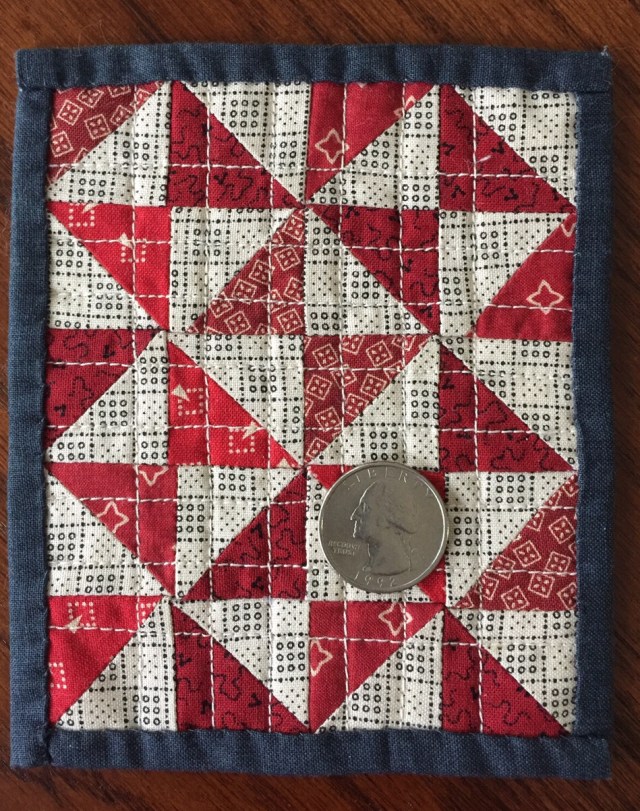
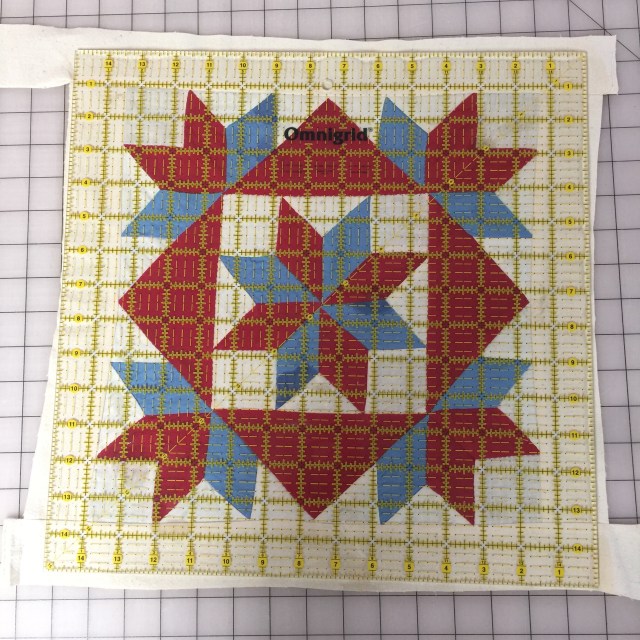
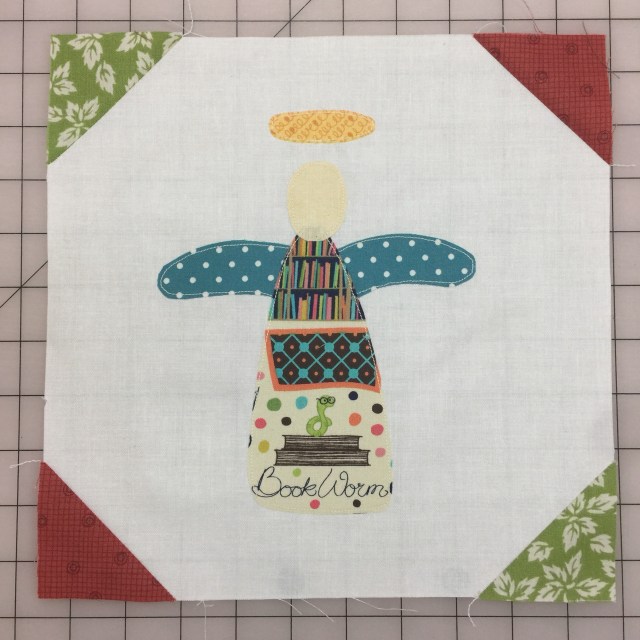
5. Make one small quilt l pinned from Pinterest. Done!

And I made a tiny quilt from the scraps.
6. Decide on a design for a wedding quilt for my niece. Done! I’m going to do a version of this quilt by Painted Quilts.
7. Finish my hexi quilt. Done!

I also completed the quilts for my siblings.
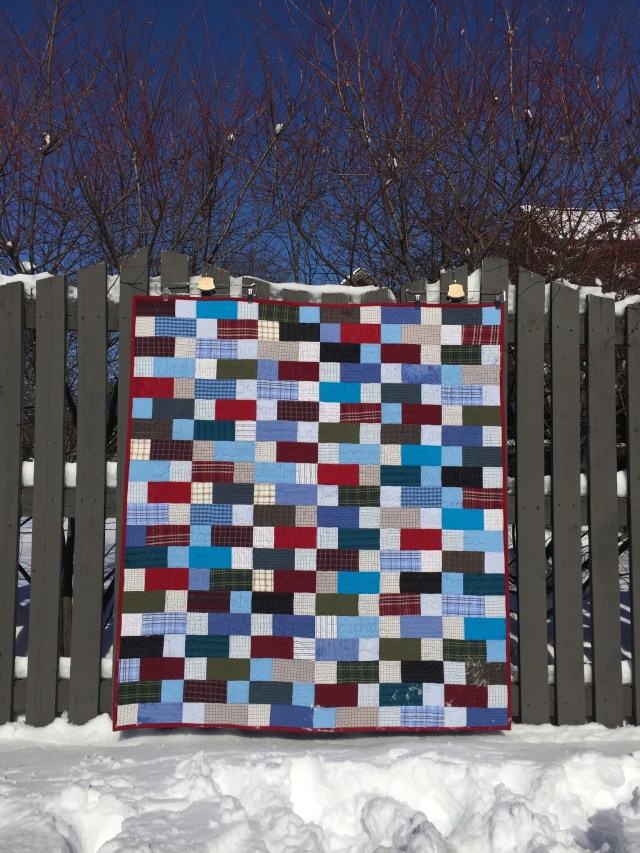
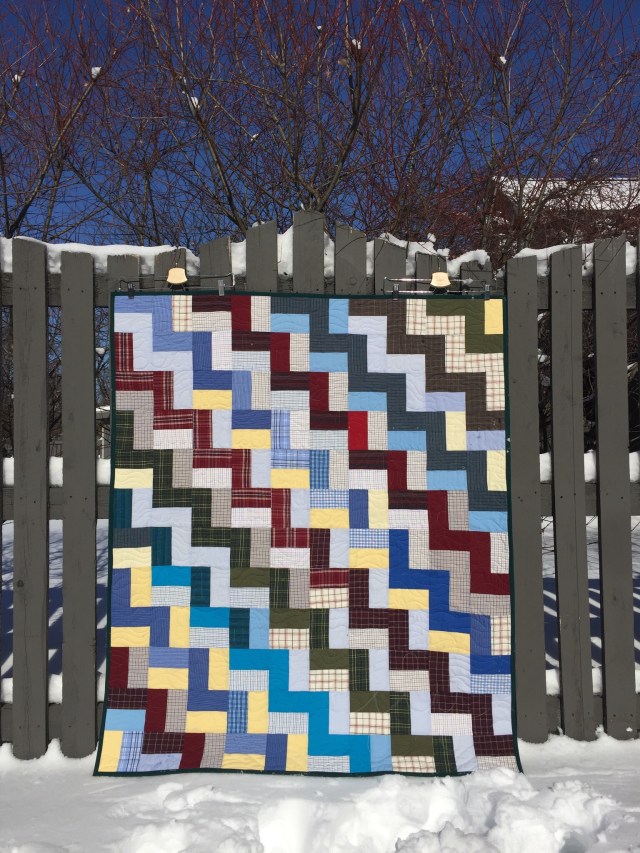
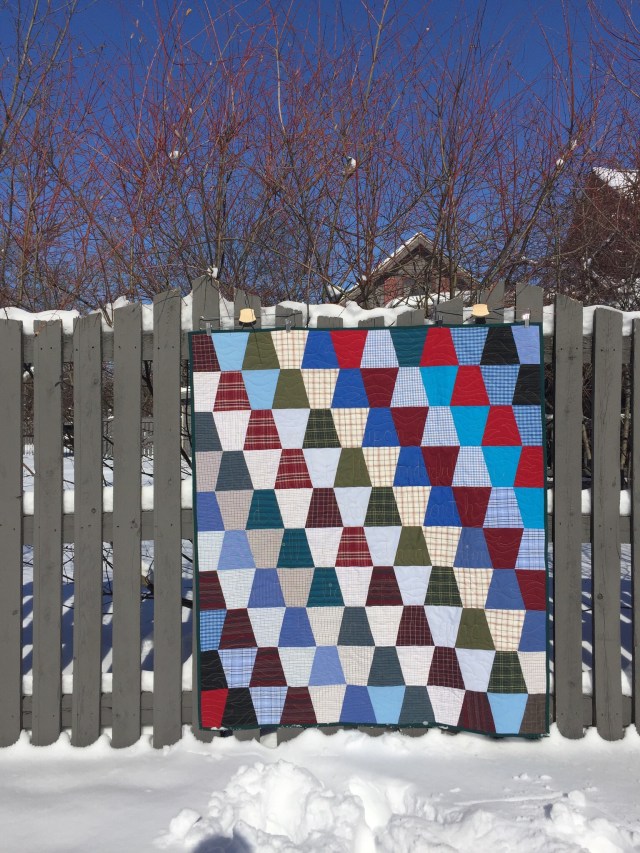
Wow! I can be so productive when I set goals and the weather stinks!
Time to set some goals for March.
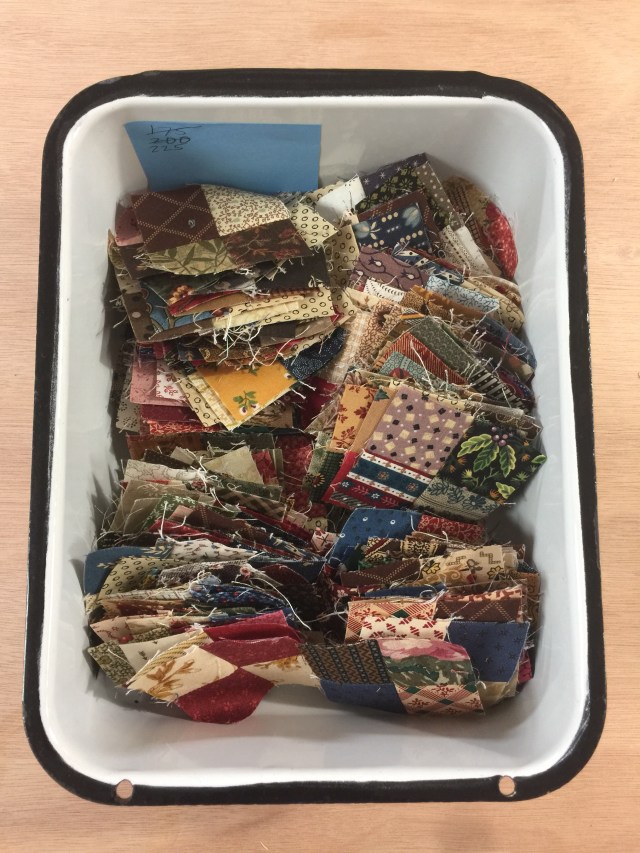
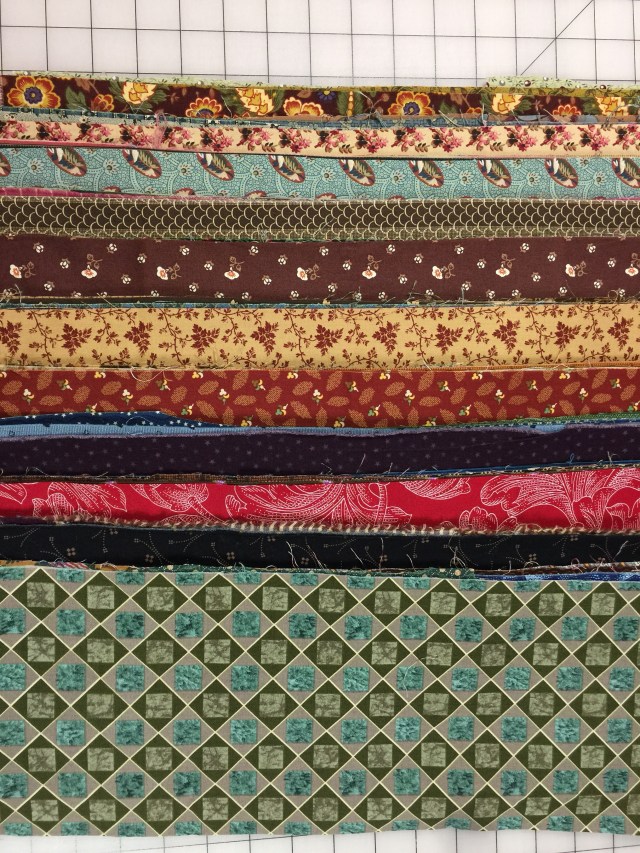
1. I want to finish my Scrappy Trips quilt.

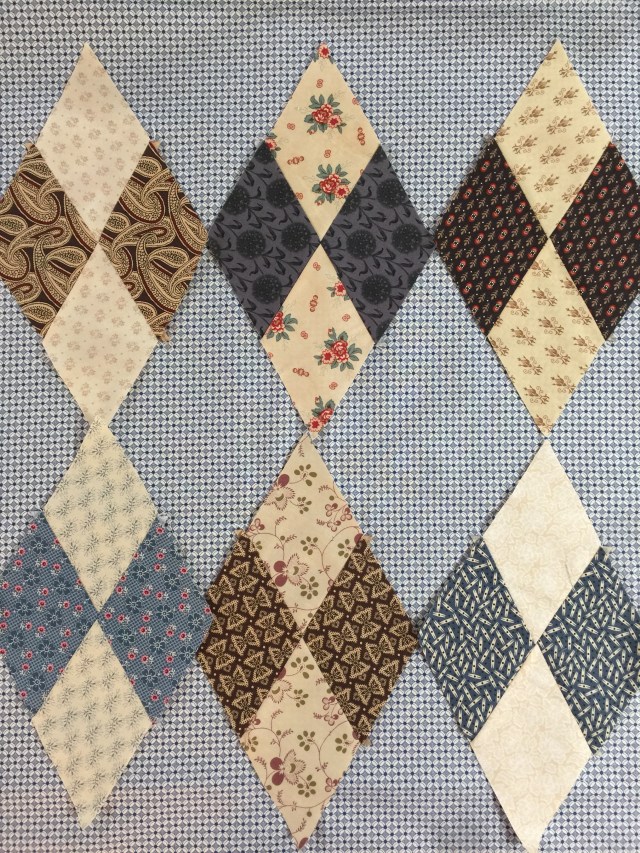
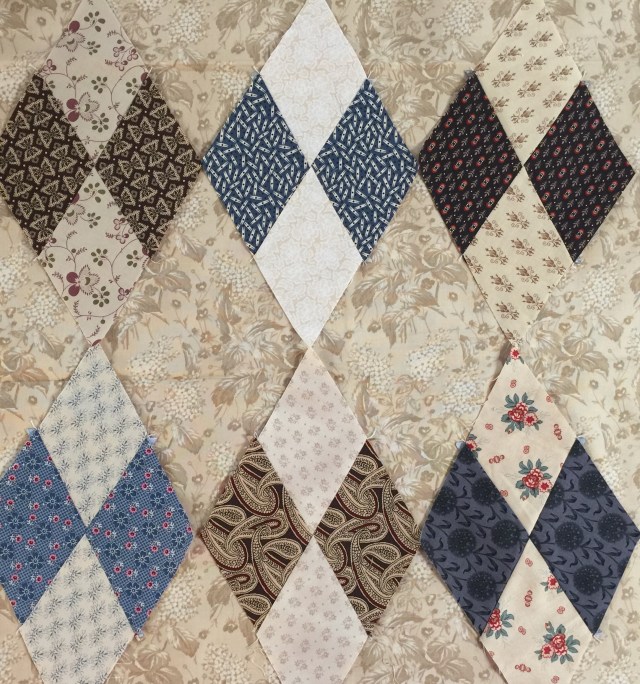
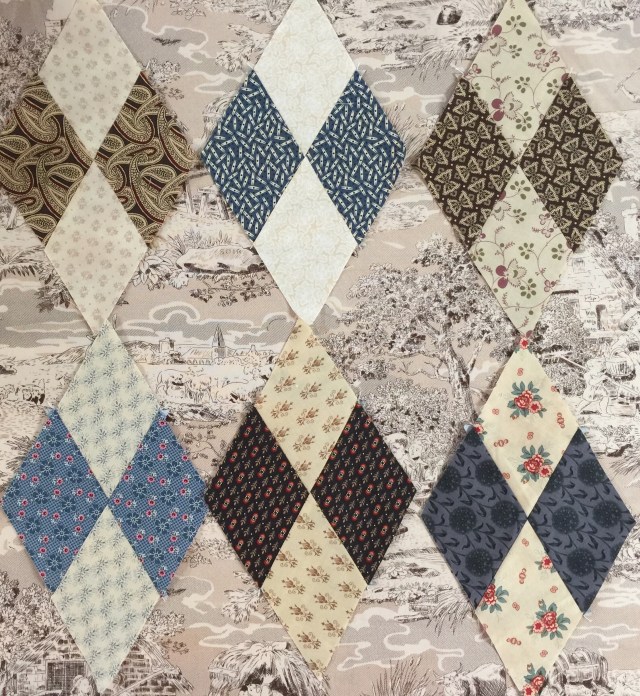
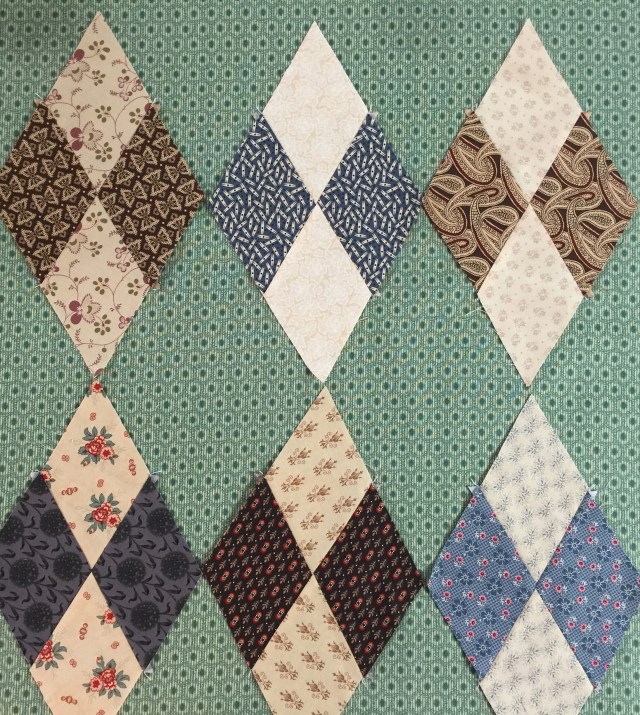
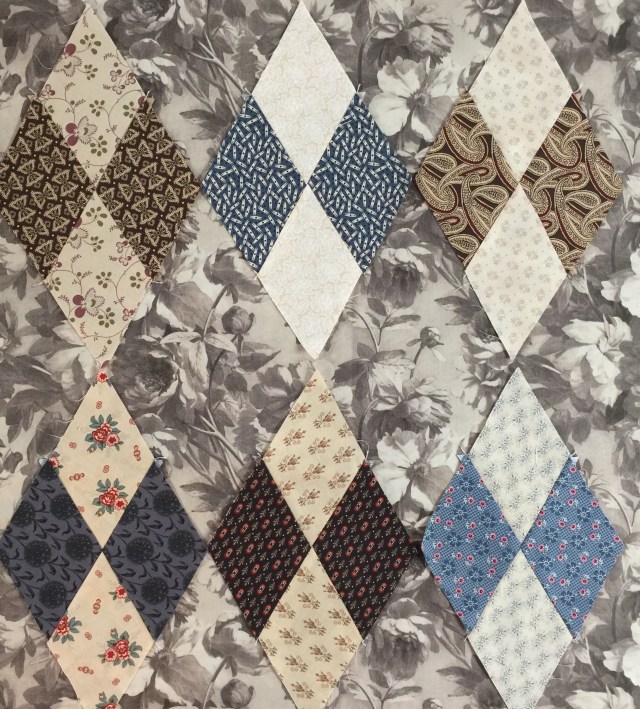
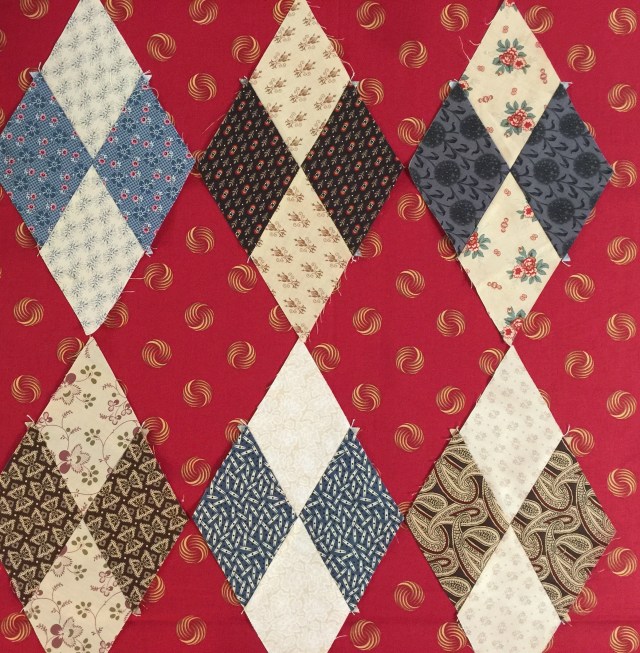
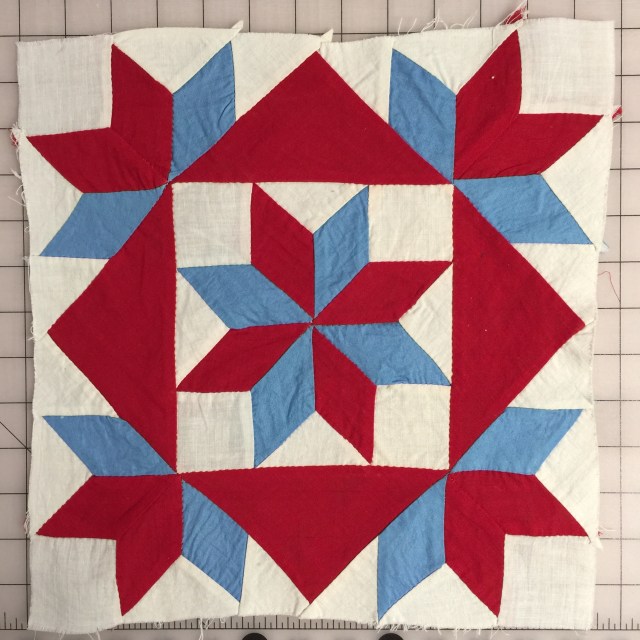
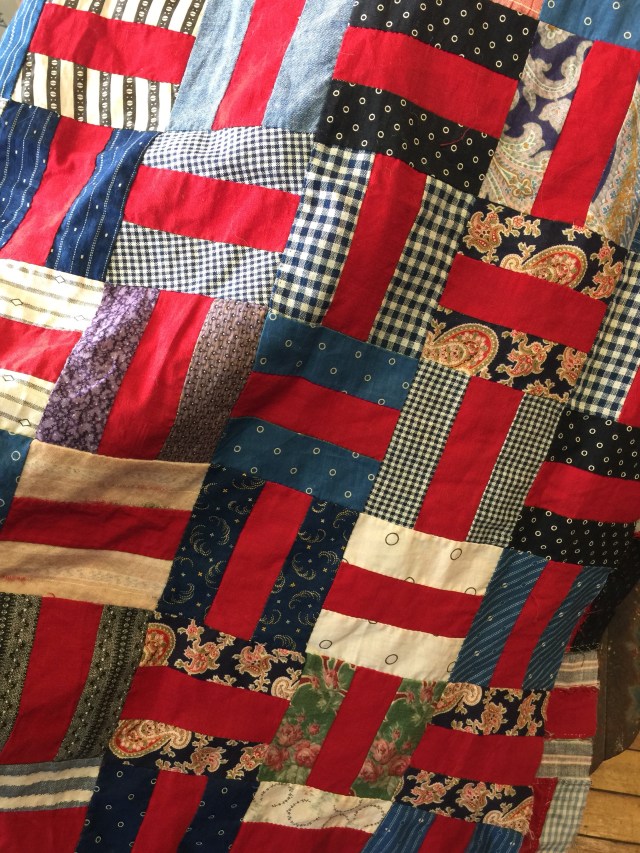
2. I want to get back to work on this quilt.

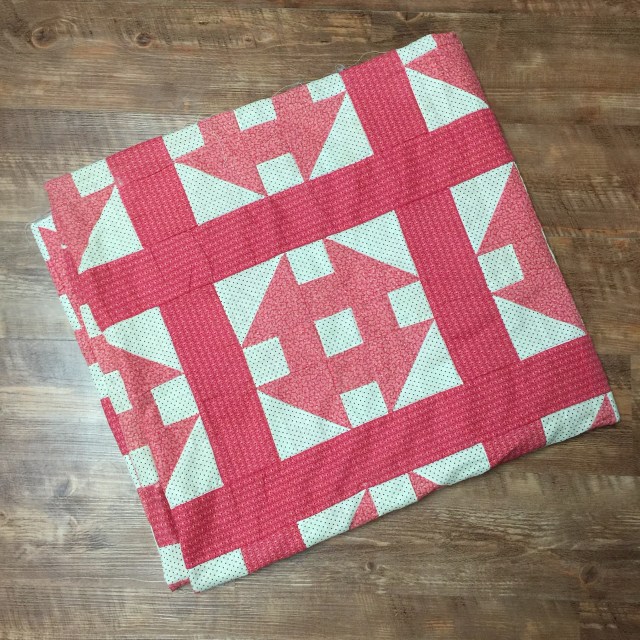
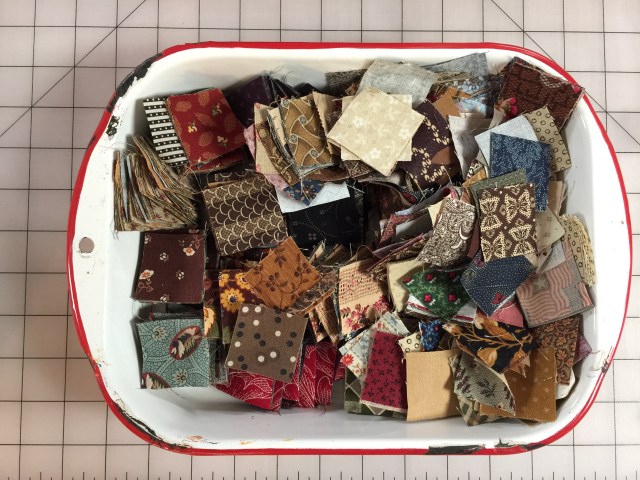
3. And I’ve been wanting to get back to this UFO as well.

4. Quilt 5 QOVs.
5. Make one thing from my Pinterest boards.
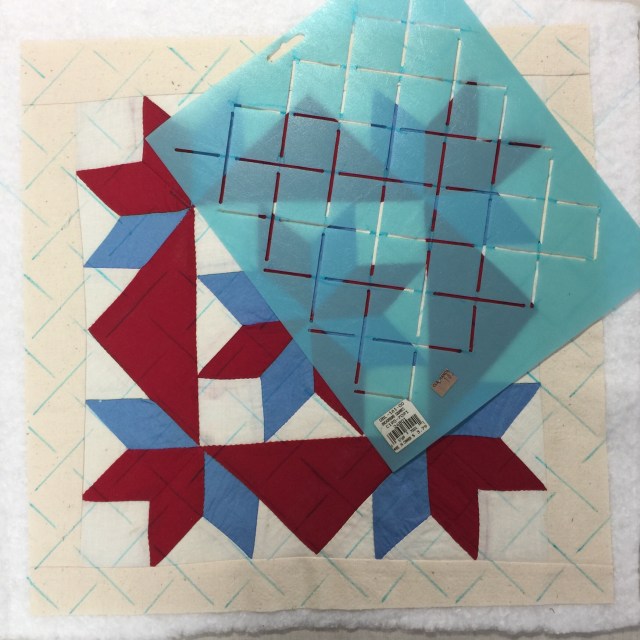
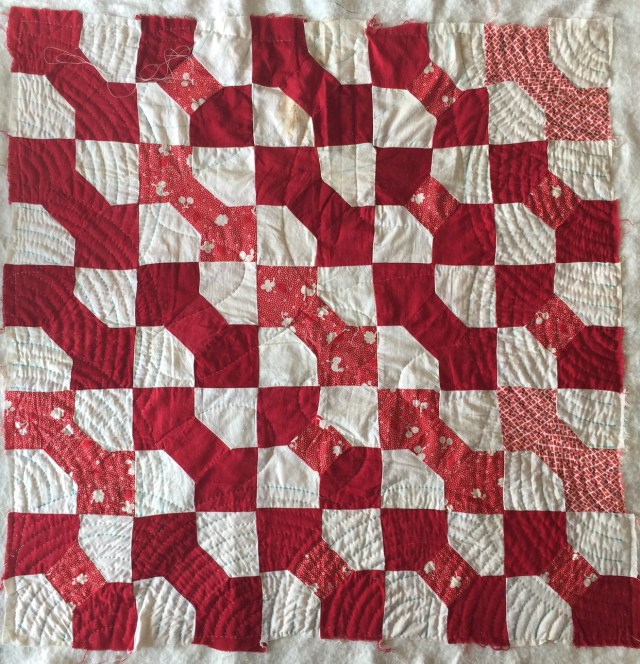
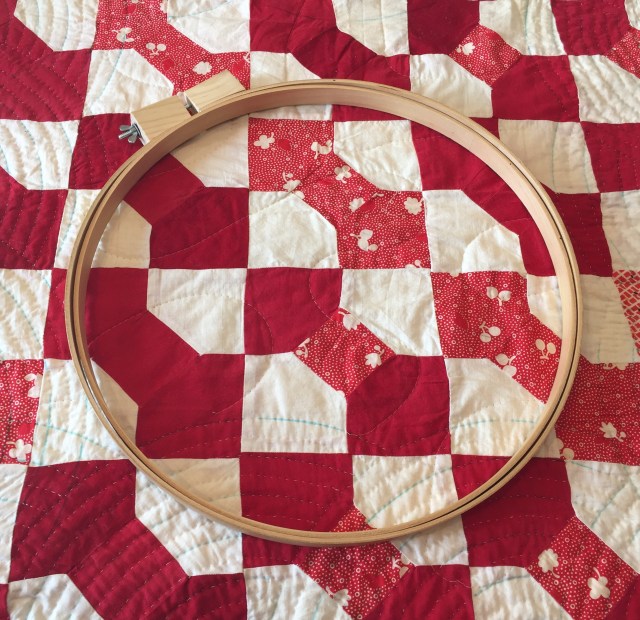
6. Finish the little vintage bow tie quilt that I am hand quilting.
I might even start a big tumbler quilt.
Have a great day!






















 KatyQuilts